Multiple MTA with IP Monitor
Send each campaign through several SMTP servers or groups, and watch every sending IP's reputation and blacklist status.
Licence and requirements
Multiple MTA lets you pick more than one SMTP server or MTA account for each email campaign. The IP monitor tracks the reputation score and blacklist status of every IP you send from.
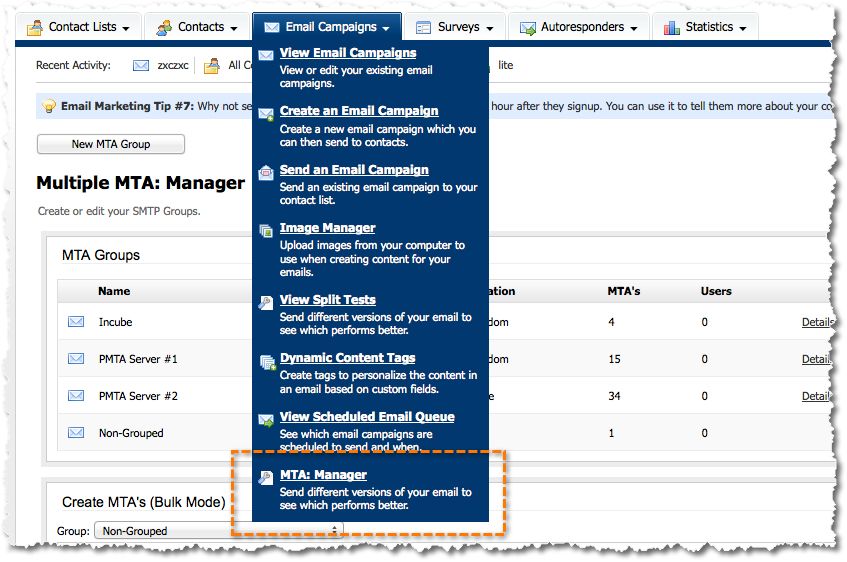
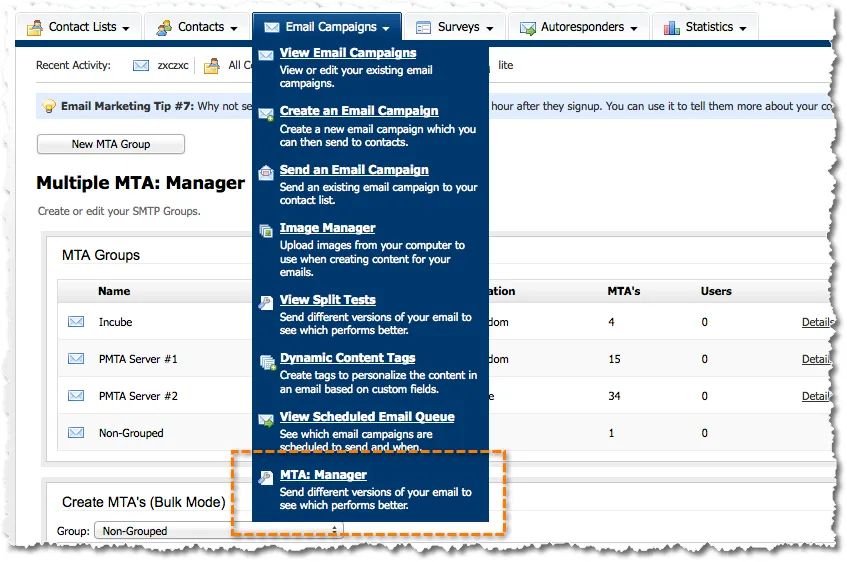
The manager is under Email Campaigns › MTA: Manager.
Features
Groups of SMTP accounts
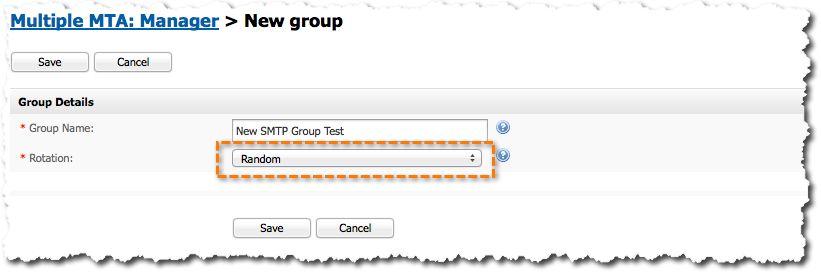
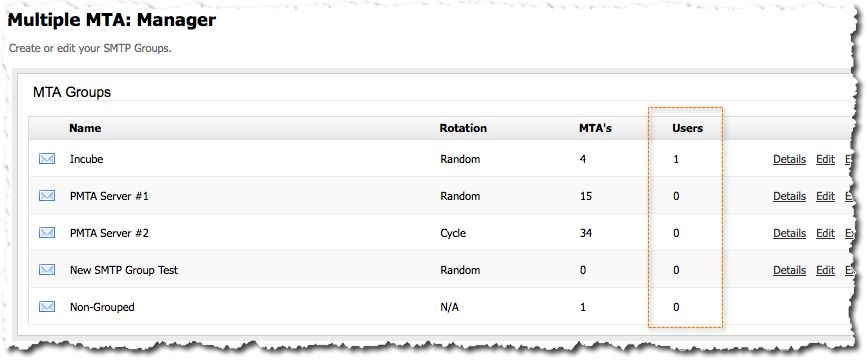
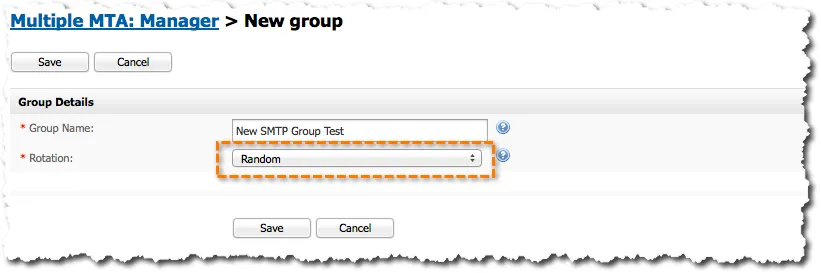
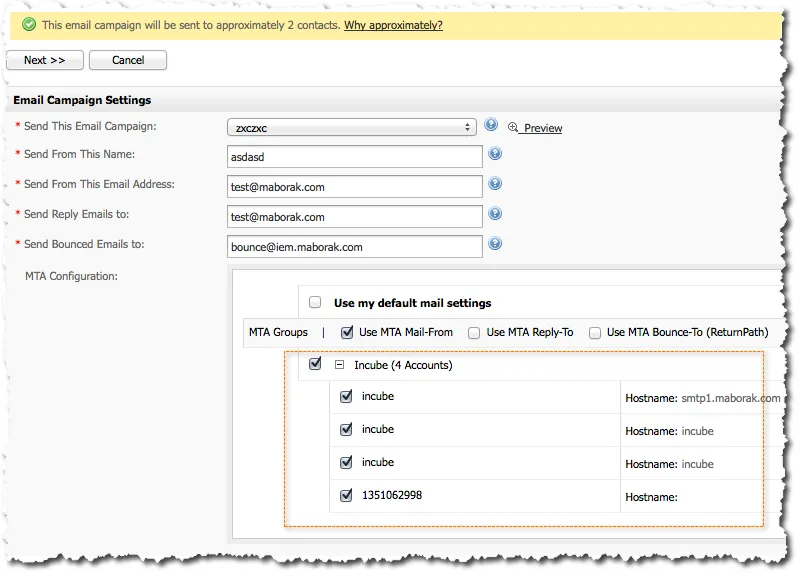
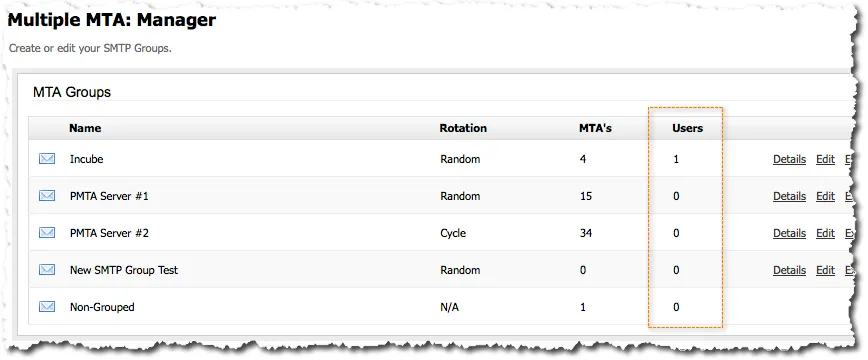
Put SMTP accounts into groups and rotate through them at random or in a fixed cycle. When a campaign uses accounts from different groups, rotation is random.
Any mix of accounts per campaign
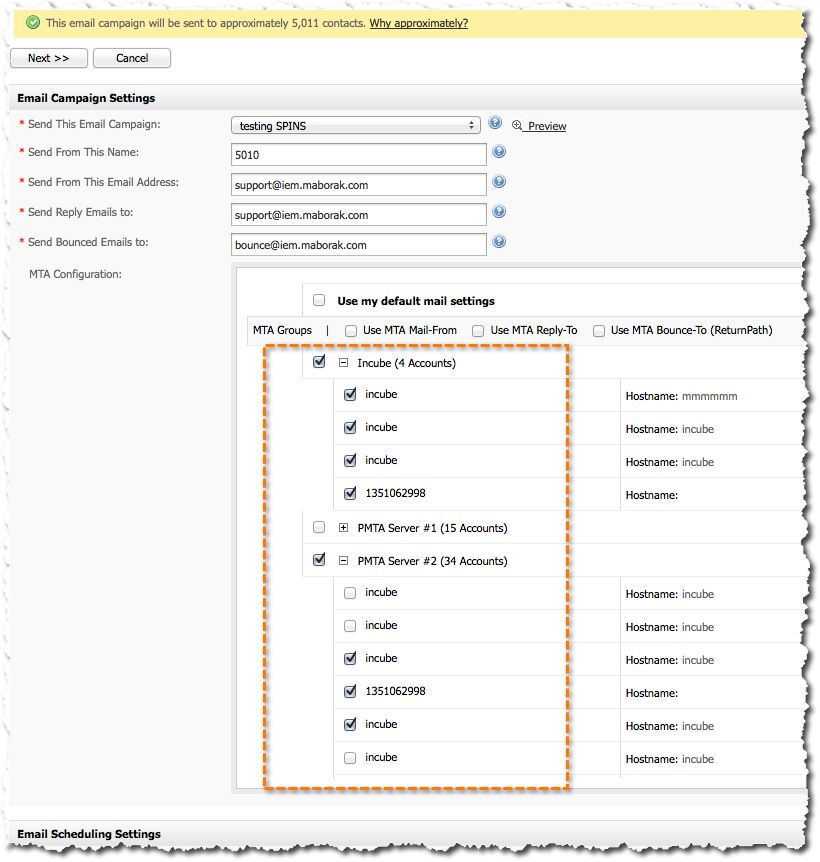
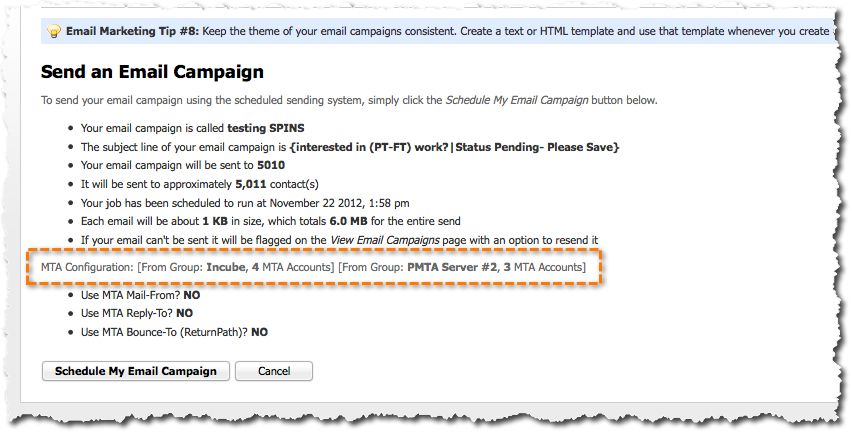
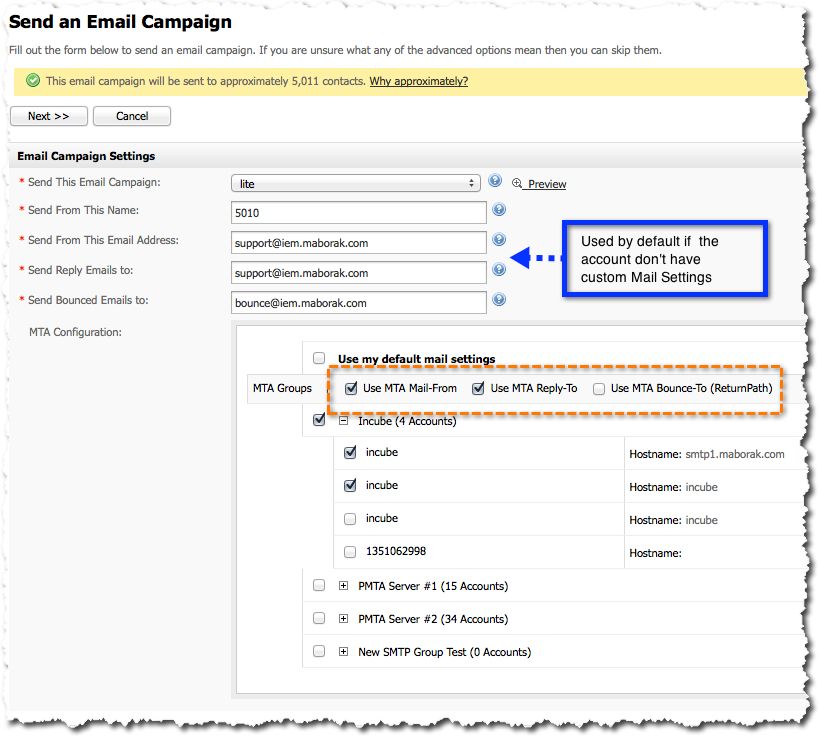
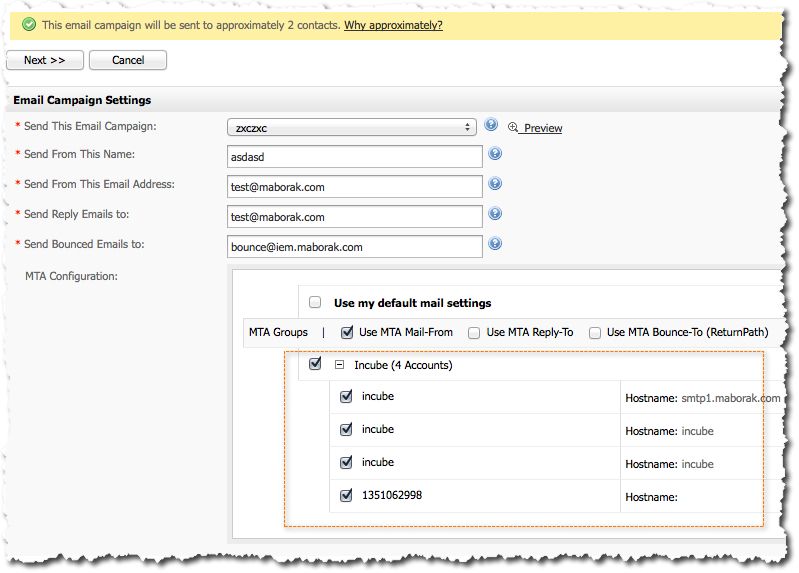
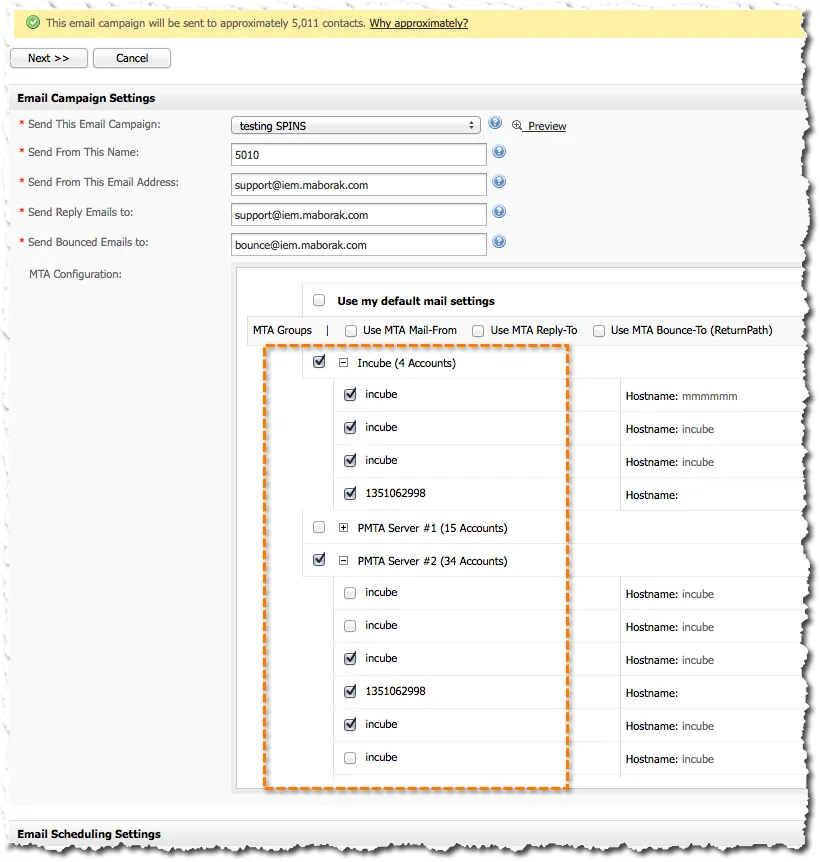
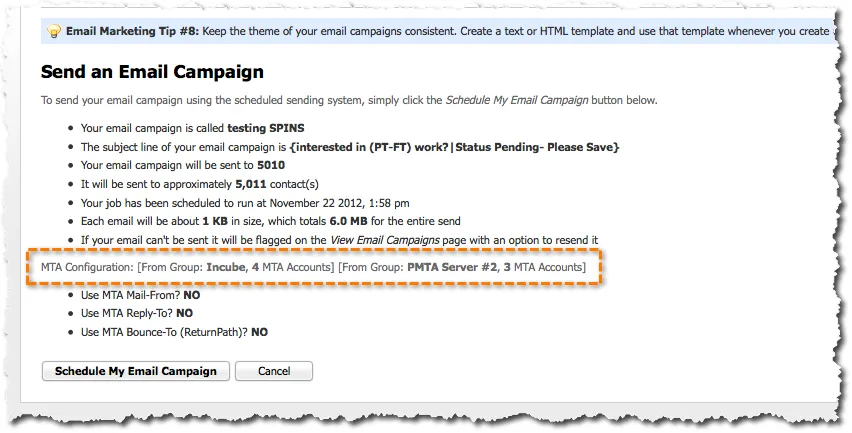
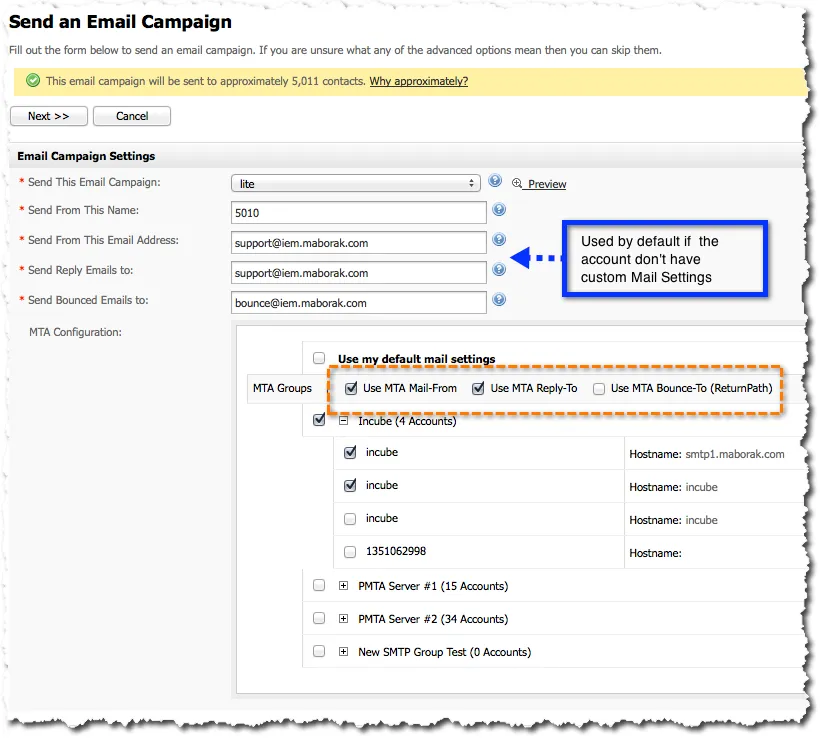
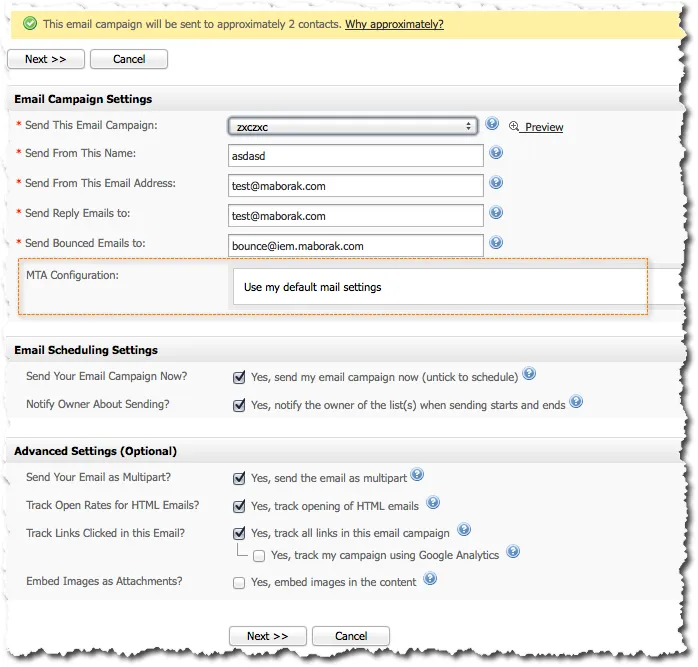
Choose one or more SMTP accounts, or one or more groups, for each email campaign.
Mail settings per account
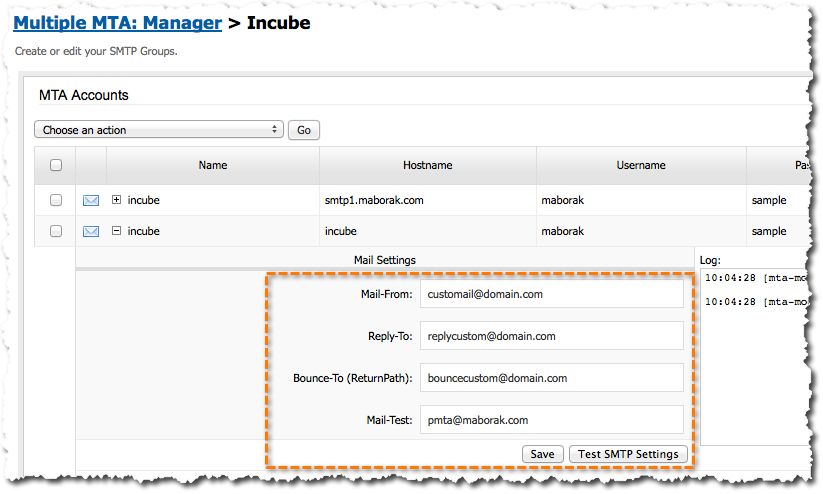
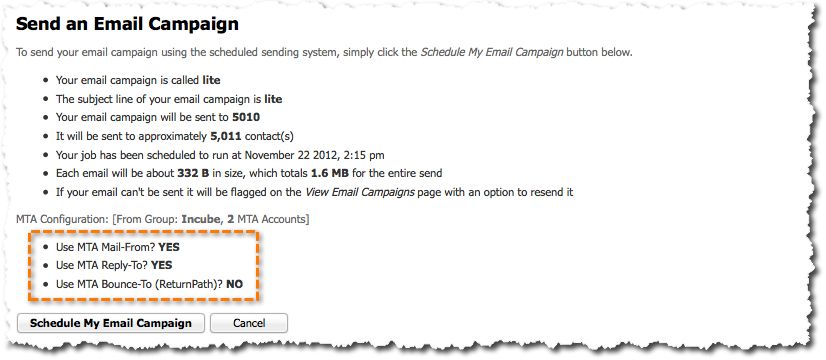
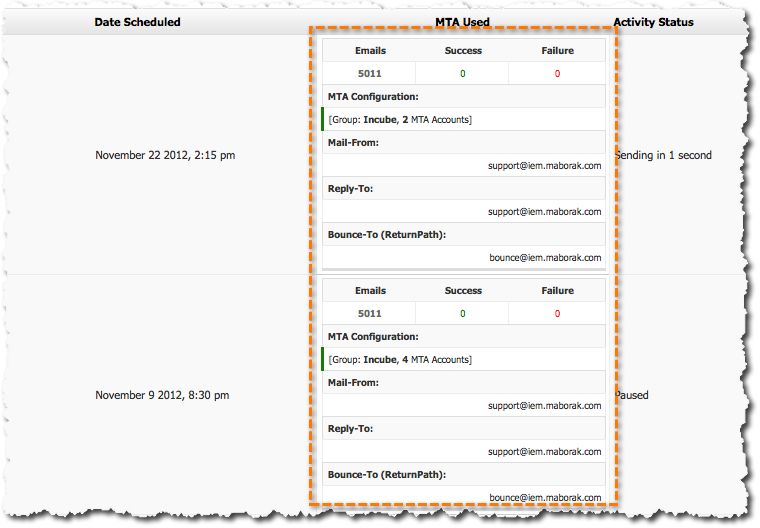
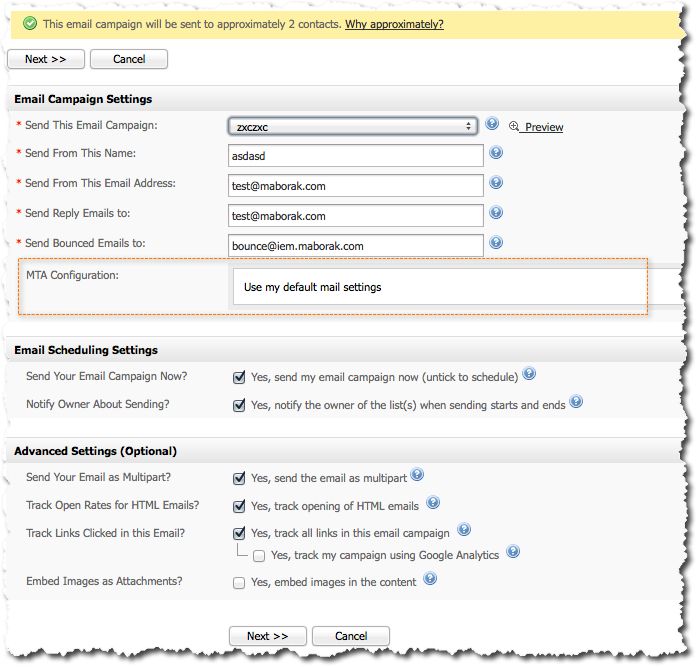
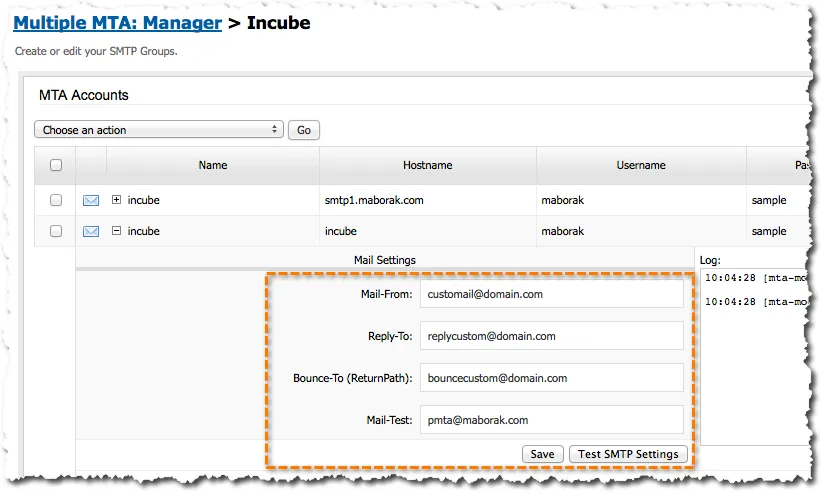
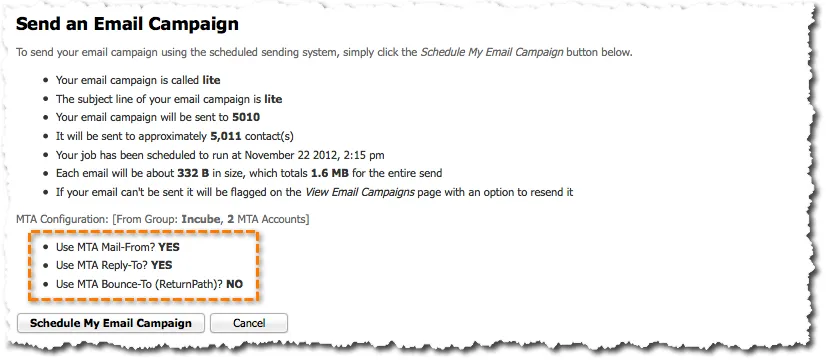
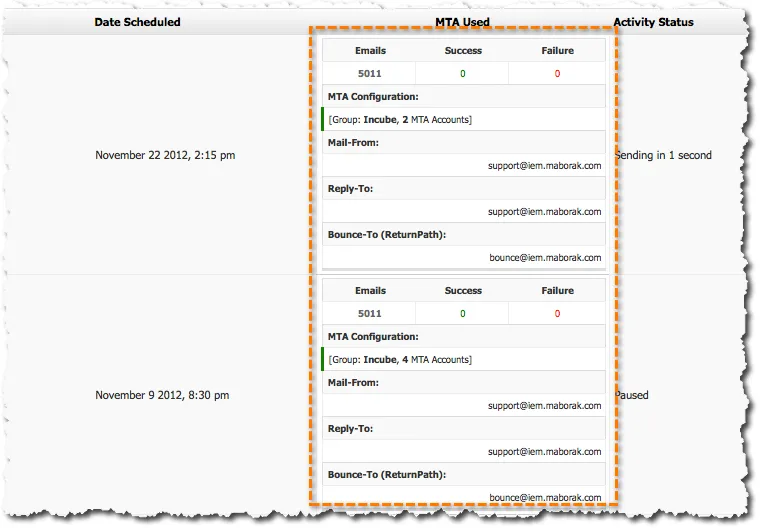
Give each SMTP account its own MAIL-FROM, REPLY-TO and BOUNCE-TO addresses, then select them in the campaign. Accounts without their own settings use the ones defined in the campaign.
Groups per user
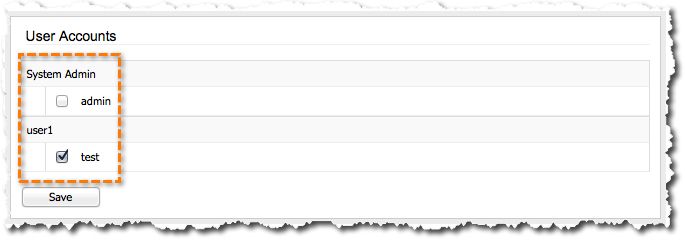
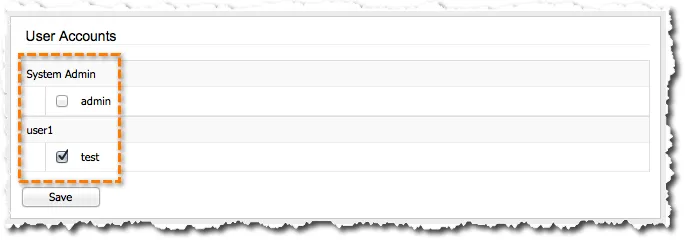
Assign SMTP groups to Interspire users. Each user can send only through the groups assigned to them. A user with no group falls back to User Mail Server Configuration, then System Mail Server.
IP reputation and blacklist monitor
The monitor checks each sending IP once a day. It needs two extra steps on the server.
Load the blacklist and reputation lists, once:
/usr/local/bin/php /path/to/iem/admin/addons/mta/api/cli.php --populate-ipguardAdd the daily checks to cron:
0 0 * * * /usr/local/bin/php /path/to/iem/admin/addons/mta/api/cli.php --check-ipguard
0 0 * * * /usr/local/bin/php /path/to/iem/admin/addons/mta/api/cli.php --check-ipguard --type=blacklist
0 0 * * * /usr/local/bin/php /path/to/iem/admin/addons/mta/api/cli.php --check-ipguard --type=whitelist
Installation
Every addon installs the same way: see the installation guide. Questions before buying? Open a ticket or email us.

Screenshots